CONNECTED WORKFLOWS

Connect the conversation to the systems you use.

From commerce platforms to calendars, confirm the connections and actions your workflow needs before you launch.

39supported platforms
in the directory
SUPPORTED PLATFORMS

Find your system.

Connect with the platforms your team uses. Available data and actions vary by platform and configuration.

39 of 39 platforms
  • AdvancedMD
  • AthenaHealth
  • BeamHealth
  • BestNotes
  • Canvas Medical
  • Cerbo
  • CharmHealth
  • Cloud9
  • CureMD
  • Dentrix Ascend
  • Dentrix Enterprise
  • Dolphin
  • DrChrono
  • EagleSoft
  • Elation
  • eClinicalWorks
  • Free Agent CRM
  • FullScript
  • Greenway Health
  • Health Gorilla
  • Healthie
  • Heallow
  • Hint Health
  • MD Integrations
  • ModMed
  • NextGenOffice
  • Office Ally
  • OpenDental
  • OpenEMR
  • Orthotrac Local
  • pVerify
  • PracticeEHR
  • Practice Fusion
  • QDW-QSI Dental Web
  • Tebra
  • Zenoti
  • ZocDoc
  • ZusHealth
  • Welkin Health
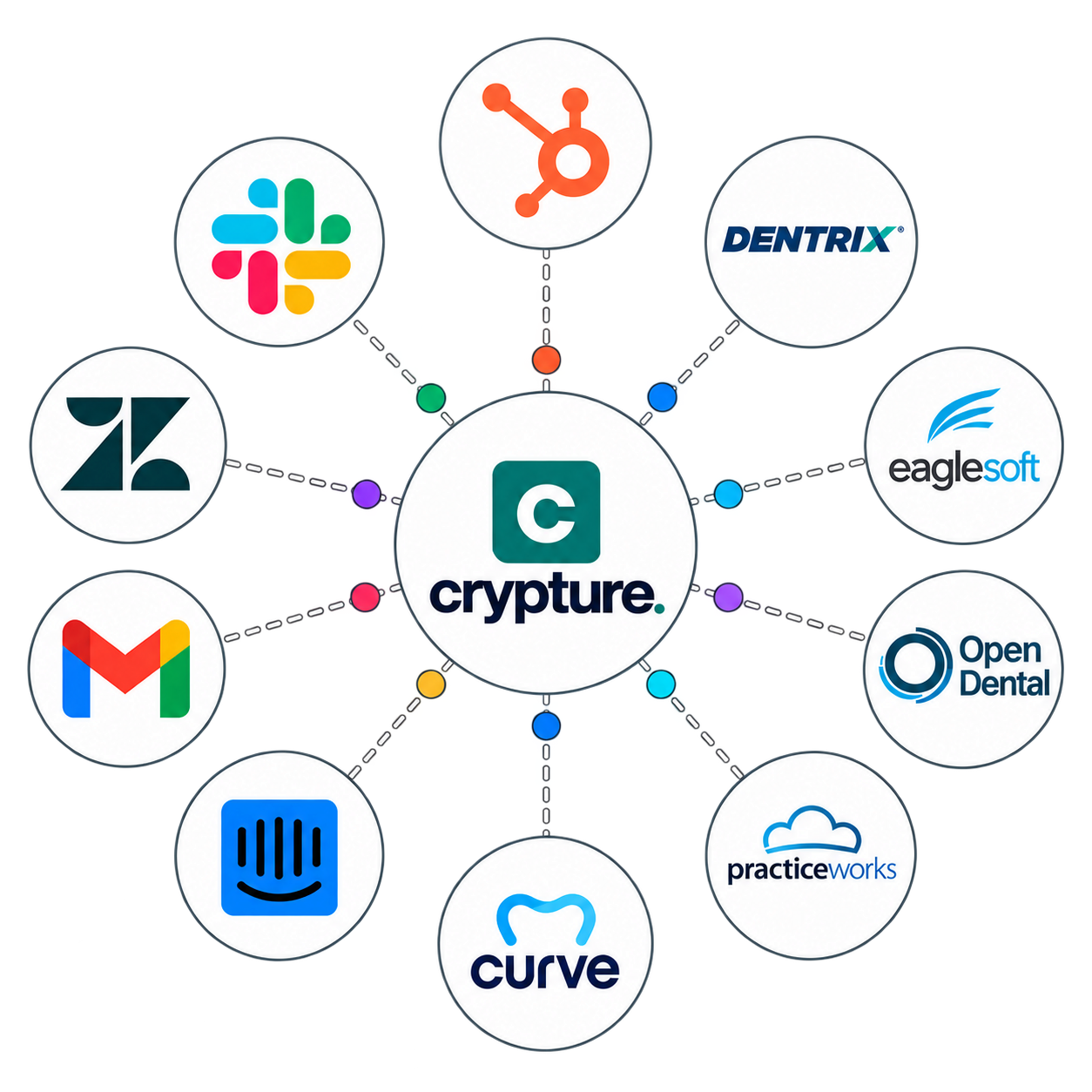
Crypture connected to business and practice systems

A connection with
a clear purpose.

01

Choose the system

Find your platform, then review its version and your workflow requirements.

02

Agree what it can do

Specify the records it can read and the actions it can take. Support varies by platform and configuration.

03

Test the full journey

Verify the successful action, unavailable options, and a fallback if the connection fails.

Discuss your setupTalk to our AI